Map Animation Masterclass
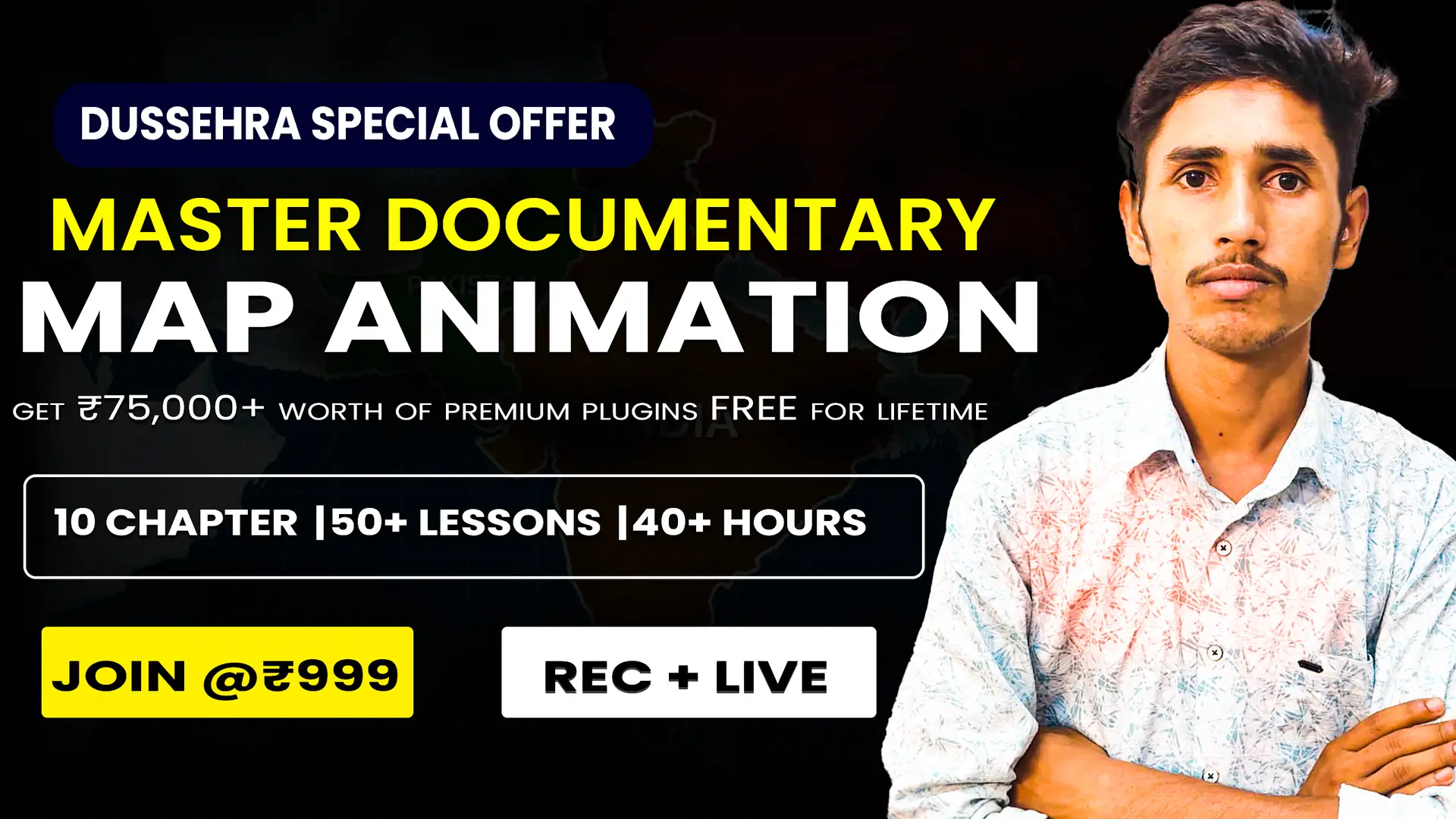
About Course
Course Description: Map Animation Masterclass – From Basic to Advanced
Welcome to the Map Animation Masterclass by Bikash Madhav – your complete journey from beginner to pro in creating stunning and professional map animations inside Adobe After Effects.
In this course, you’ll learn step by step how to bring maps to life with smooth camera movements, flight paths, location markers, dynamic routes, 3D effects, and advanced storytelling techniques. Whether you’re a beginner with no prior experience or an editor who wants to take motion graphics skills to the next level, this course is designed to guide you from basic foundations to advanced map animation projects.
By the end of this masterclass, you’ll be able to:
-
Create eye-catching 2D & 3D map animations.
-
Animate routes, paths, and travel journeys with precision.
-
Add location pins, highlights, and dynamic labels.
-
Use Geo Layers and other pro-level tools for realistic results.
-
Design cinematic camera moves for storytelling.
-
Build complete map-based video projects for YouTube, documentaries, travel vlogs, news, or client work.
This course is packed with hands-on projects, practical tips, and professional techniques I’ve learned over years of editing with After Effects. By mastering these skills, you’ll be able to create animations that engage, inform, and impress your audience.
👉 Who is this course for?
-
Beginners who want to start learning map animations.
-
Motion graphic artists, video editors, and content creators.
-
YouTubers, educators, filmmakers, and travel vloggers.
-
Anyone who wants to add stunning animated maps to their videos.
Join me, Bikash Madhav, and let’s make your ideas move across the map – from basic concepts to professional-level map animations. 🚀
Course Content
Introduction & Setup
-
Welcome to the Course – What You’ll Learn
-
Installing Adobe After Effects (Beginner Guide)
-
Interface Overview – Panels, Timeline & Workspace
-
Basic Project Settings (Composition, Resolution, Frame Rate)
-
Importing Media & Organizing Your Project
After Effects Essentials (Beginner Friendly
Introduction to GeoLayers 3 Plugin
Map Animation with GeoLayers – Basic
Intermediate Map Animation Projects
Advanced Map Animation Projects
Professional Workflow & Projects
Final Project & Wrap Up
Student Ratings & Reviews